
Refurbished HPE Servers: What to Check Before You Buy?
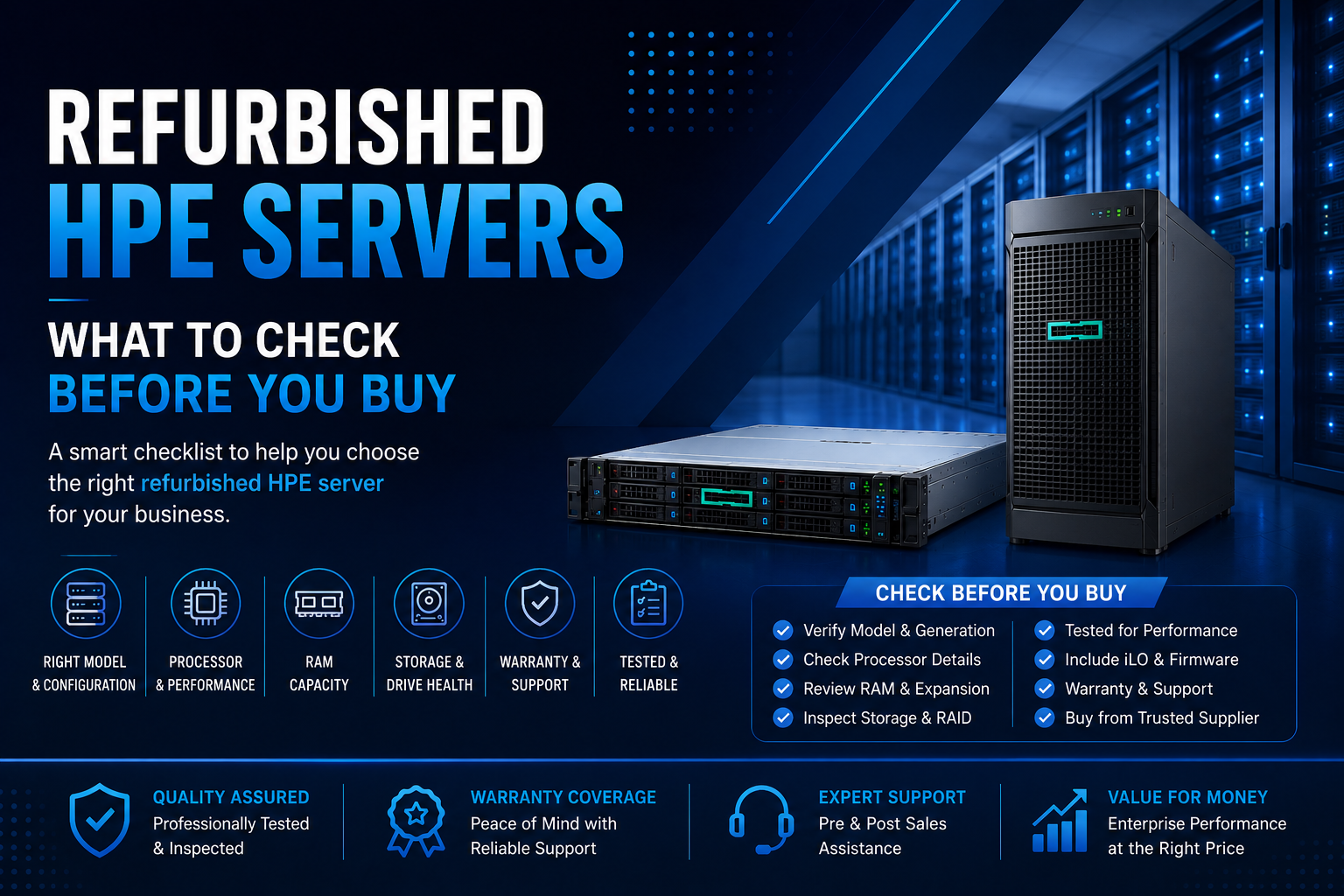
Thinking about buying a refurbished HPE server? Learn how to check server condition, hardware configuration, warranty, storage, RAM, testing, and supplier support before making a purchase.
Buying a brand-new enterprise server isn't always the right choice for every business. When budgets are limited or additional computing capacity is needed quickly, refurbished HPE servers can provide an attractive alternative.
HPE ProLiant servers are widely used for virtualization, databases, file storage, business applications, backup, development, and other enterprise workloads. A properly tested refurbished system can deliver substantial computing capability at a lower acquisition cost than new hardware.
But there's an important difference between simply buying a Used Server and purchasing a professionally refurbished one.
Before you buy, you need to know exactly what hardware you're getting, how it has been tested, what condition the components are in, and what warranty or support comes with the system.
Here's what to check before purchasing a refurbished HPE server.
1. Check the Exact HPE ProLiant Model
The first step is identifying the exact server model and generation.
HPE offers a wide range of ProLiant systems, including rack and tower platforms designed for different workloads. A compact rack server such as the HPE ProLiant DL360 is very different from a larger DL380 or a tower-based ML350.
The model determines important factors such as memory capacity, storage options, PCIe expansion, processor compatibility, drive bays, and upgrade possibilities.
Before buying, confirm:
- Exact HPE ProLiant model
- Server generation
- Rack or tower form factor
- Processor configuration
- Memory configuration
- Storage configuration
- RAID controller
- Network adapters
- Power supply configuration
Don't rely on a product title that simply says "Refurbished HPE Server." The complete configuration matters much more than the name.
2. Check the Processor
The CPU has a major effect on server performance, but simply seeing "Intel Xeon" or "AMD EPYC" isn't enough.
Ask for the exact processor model and check its core count, generation, clock speed, cache, power requirements, and compatibility with your workload.
For example, HPE's Gen11 portfolio includes Intel Xeon and AMD EPYC platforms. Some systems support high core counts and large DDR5 memory configurations, making them suitable for demanding workloads such as virtualization, databases, and analytics.
If you plan to run multiple virtual machines, databases, or resource-intensive applications, processor capacity should be evaluated together with RAM, storage, and networking.
3. Verify the RAM Configuration
Insufficient memory can quickly become a performance bottleneck.
Before purchasing a refurbished HPE server, check:
- Total installed RAM
- Number of DIMMs
- RAM type and generation
- ECC support
- Available memory slots
- Maximum supported memory
- Memory expansion options
For example, HPE ProLiant Gen11 platforms can support substantial DDR5 memory capacities depending on the model. The DL380 Gen11 can support up to 8 TB of DDR5 memory in supported configurations, while other models have different limits.
The important point is to choose based on your workload rather than buying the maximum amount of RAM simply because it is available.
4. Examine the Storage Configuration
Storage is one of the most important areas to inspect when buying refurbished server hardware.
Ask exactly which drives are included and whether they have been tested.
Depending on the HPE model, you may encounter:
- SAS drives
- SATA drives
- SSDs
- NVMe drives
- EDSFF storage
Also verify the RAID controller and current RAID configuration.
A server with a powerful processor but aging or unreliable storage may still perform poorly. For business-critical workloads, ask the supplier whether drive health has been checked before shipment.
If you need fast application performance, SSD or NVMe storage may be preferable. For backup and large-capacity storage, high-capacity HDDs may offer better economics.
5. Ask How the Server Was Refurbished
This is one of the most important questions to ask.
A professionally refurbished server should go through a proper inspection and testing process rather than simply being cleaned and resold.
Ask whether the supplier has tested:
- Processor stability
- Memory
- Storage drives
- RAID controller
- Power supplies
- Cooling fans
- Network interfaces
- Expansion cards
- Remote management
- Hardware diagnostics
A supplier that can clearly explain its testing procedure provides much greater confidence than a seller offering only a basic "working condition" statement.
6. Check HPE iLO Functionality
HPE Integrated Lights-Out (iLO) is an important feature of ProLiant servers.
iLO provides capabilities for server setup, health monitoring, power and thermal control, remote administration, and other management functions. HPE identifies iLO as an embedded technology within its server platforms.
The iLO version depends on the server generation. For example, HPE's documentation lists iLO 5 on Gen10/Gen10 Plus platforms and iLO 6 on Gen11 systems.
When buying refurbished equipment, ask the supplier to confirm that the iLO functionality is operational and that the server's management configuration is appropriate for your deployment.
7. Check BIOS and Firmware
Firmware is easy to overlook when purchasing used enterprise hardware.
Ask whether the server has been checked for:
- BIOS updates
- iLO firmware
- RAID controller firmware
- Network adapter firmware
- Storage compatibility
- Hardware diagnostic errors
Up-to-date and properly configured firmware can make deployment and ongoing administration considerably easier.
However, firmware updates should always be performed according to HPE's compatibility and support requirements rather than updating components blindly.
8. Inspect the Physical Condition
A refurbished server doesn't need to look brand new, but its physical condition should be clearly understood.
Check for:
- Damaged chassis
- Broken drive bays
- Missing bezels
- Damaged rails
- Bent connectors
- Excessive dust
- Damaged fans
- Corrosion
- Missing components
Minor cosmetic marks may not affect performance, but damaged connectors, drive carriers, fans, or power components can become operational problems.
Ask the supplier whether the product photos represent the actual unit or are generic images.
9. Check the Power Supplies
Enterprise servers often support redundant power supplies, which can improve availability.
Before buying, verify:
- Number of PSUs
- PSU wattage
- Efficiency rating
- Hot-plug capability
- Redundancy configuration
- Compatibility with your electrical infrastructure
Don't assume that the power supplies included with a refurbished server are suitable for every workload.
A server configured with multiple GPUs or high-power processors may require substantially more power than a basic configuration.
10. Think About Future Expansion
A common mistake is buying a refurbished server that meets today's requirements but has no room for tomorrow's growth.
Look at the available:
- DIMM slots
- Drive bays
- PCIe slots
- Network ports
- Storage controller options
- GPU support
- Power capacity
For example, HPE's Gen11 platforms can provide extensive PCIe Gen5 expansion and DDR5 memory depending on the model.
If you expect your workload to grow, choosing a server with additional expansion capacity can provide better long-term value.
Refurbished HPE Gen10 vs Gen11: Which Should You Buy?
The right generation depends on your workload and budget.
A refurbished HPE Gen10 server can be attractive when acquisition cost is the main consideration and the workload doesn't require the latest platform technology.
A refurbished HPE Gen11 server generally provides a newer platform with DDR5 memory and PCIe Gen5 capabilities on supported models.
Gen11 can therefore be particularly attractive for businesses looking for a balance between modern capabilities and the lower cost associated with refurbished enterprise hardware.
The best choice depends on the actual configuration rather than the generation number alone.
New HPE Server vs Refurbished HPE Server
The decision between new and refurbished hardware should start with your business requirements.
A new HPE server can provide the latest platform technology, current-generation components, and a longer expected technology lifecycle.
A refurbished HPE server can provide significant cost savings and may be ideal for:
- Backup servers
- File servers
- Development environments
- Testing
- Virtualization
- Branch offices
- Secondary infrastructure
- Disaster recovery
- Non-critical workloads
For organizations with a limited IT budget, refurbished hardware can make enterprise infrastructure more accessible.
Don't Choose Based Only on Price
The cheapest server isn't necessarily the best deal.
A low-priced server with old drives, insufficient RAM, missing components, no warranty, and limited upgrade options may ultimately cost more.
Instead, compare the complete package:
Hardware + condition + testing + warranty + support + upgrade potential = actual value
This approach makes it easier to compare refurbished HPE servers from different suppliers.
What Warranty Should You Expect?
Warranty terms depend on the seller and the specific equipment.
Before ordering, ask:
- How long is the warranty?
- Which components are covered?
- What happens if a drive fails?
- Is replacement hardware provided?
- Who pays shipping?
- Is technical support included?
- What is the procedure for reporting a problem?
A supplier offering clear warranty terms is generally a safer choice than one offering an unusually low price with no meaningful support.
How to Choose a Refurbished HPE Server Supplier
The supplier is an important part of the purchasing decision.
Look for a company that provides:
- Detailed specifications
- Tested enterprise hardware
- Clear product condition
- Warranty coverage
- Configuration assistance
- Technical support
- Transparent pricing
- After-sales service
Avoid vague listings where the processor, RAM, storage, RAID controller, or warranty aren't clearly specified.
A trustworthy supplier should be able to explain exactly what you are purchasing before you place the order.
Is a Refurbished HPE Server Worth Buying?
For many businesses, yes.
A properly refurbished HPE ProLiant server can provide excellent enterprise performance without the acquisition cost of new equipment.
The key is to focus on condition, configuration, testing, warranty, and supplier reliability.
A refurbished server can be an especially practical choice when you need additional infrastructure for virtualization, storage, backup, development, testing, or secondary workloads.
However, businesses running highly critical applications should carefully evaluate support requirements, component age, expected workload growth, and replacement availability before making a decision.
Final Thoughts
Buying a refurbished HPE server can be a smart way to expand your IT infrastructure without exceeding your hardware budget. But the right purchase requires more than comparing prices.
Start by identifying the exact HPE ProLiant model and generation. Then evaluate the processor, RAM, storage, RAID controller, networking, power supplies, iLO, firmware, physical condition, and expansion capabilities.
Most importantly, understand how the server was tested and what warranty you receive after purchase.
A properly tested and correctly configured refurbished HPE server can provide impressive performance and enterprise functionality at a significantly lower acquisition cost.
The goal isn't to find the cheapest refurbished HPE server. The goal is to find the right refurbished HPE server for your workload, budget, and future requirements.
Frequently Asked Questions
Are refurbished HPE servers worth buying?
Yes. Refurbished HPE servers can offer strong value when they have been professionally tested and are supplied with appropriate warranty coverage. They can be suitable for virtualization, backup, storage, development, testing, and many business applications.
What should I check before buying a refurbished HPE server?
Check the exact model and generation, CPU, RAM, storage, RAID controller, power supplies, iLO functionality, physical condition, firmware, testing process, warranty, and future expansion options.
Is a refurbished server the same as a used server?
Not necessarily. A used server may simply be resold in its existing condition. A professionally refurbished server should undergo inspection, testing, cleaning, and verification before resale. The exact process varies by supplier, so always ask what refurbishment work was performed.
Are refurbished HPE ProLiant servers reliable?
A properly tested refurbished HPE ProLiant server can be reliable for many business workloads. Reliability depends on the condition and age of the components, refurbishment process, workload, maintenance, and supplier support.
Should I buy a refurbished HPE Gen10 or Gen11 server?
Choose based on your workload and budget. Gen11 offers newer platform technologies such as DDR5 and PCIe Gen5 on supported systems, while refurbished Gen10 hardware can offer lower acquisition costs for suitable workloads.
Can I upgrade a refurbished HPE server?
Many HPE ProLiant servers support upgrades to RAM, storage, networking, processors, and expansion cards. However, compatibility depends on the exact model, so verify supported components before purchasing upgrades.
What is HPE iLO?
HPE Integrated Lights-Out, or iLO, is an embedded server management technology used in HPE ProLiant servers. It provides functions such as remote management, health monitoring, setup, and power and thermal control.
Do refurbished HPE servers come with a warranty?
Warranty coverage depends on the supplier and product. Always confirm the warranty period, covered components, replacement process, and technical support before purchasing.
Are refurbished HPE servers good for virtualization?
Yes. Depending on the model and configuration, refurbished HPE ProLiant servers can be used for virtualization. Pay particular attention to CPU cores, RAM capacity, storage performance, networking, and future expansion.
Where should I buy refurbished HPE servers?
Buy from an established enterprise hardware supplier that provides detailed specifications, tested equipment, warranty coverage, and after-sales support. Avoid sellers that cannot clearly explain the server's configuration or condition.