New Servers vs Refurbished Servers: Which Is Better in 2026?
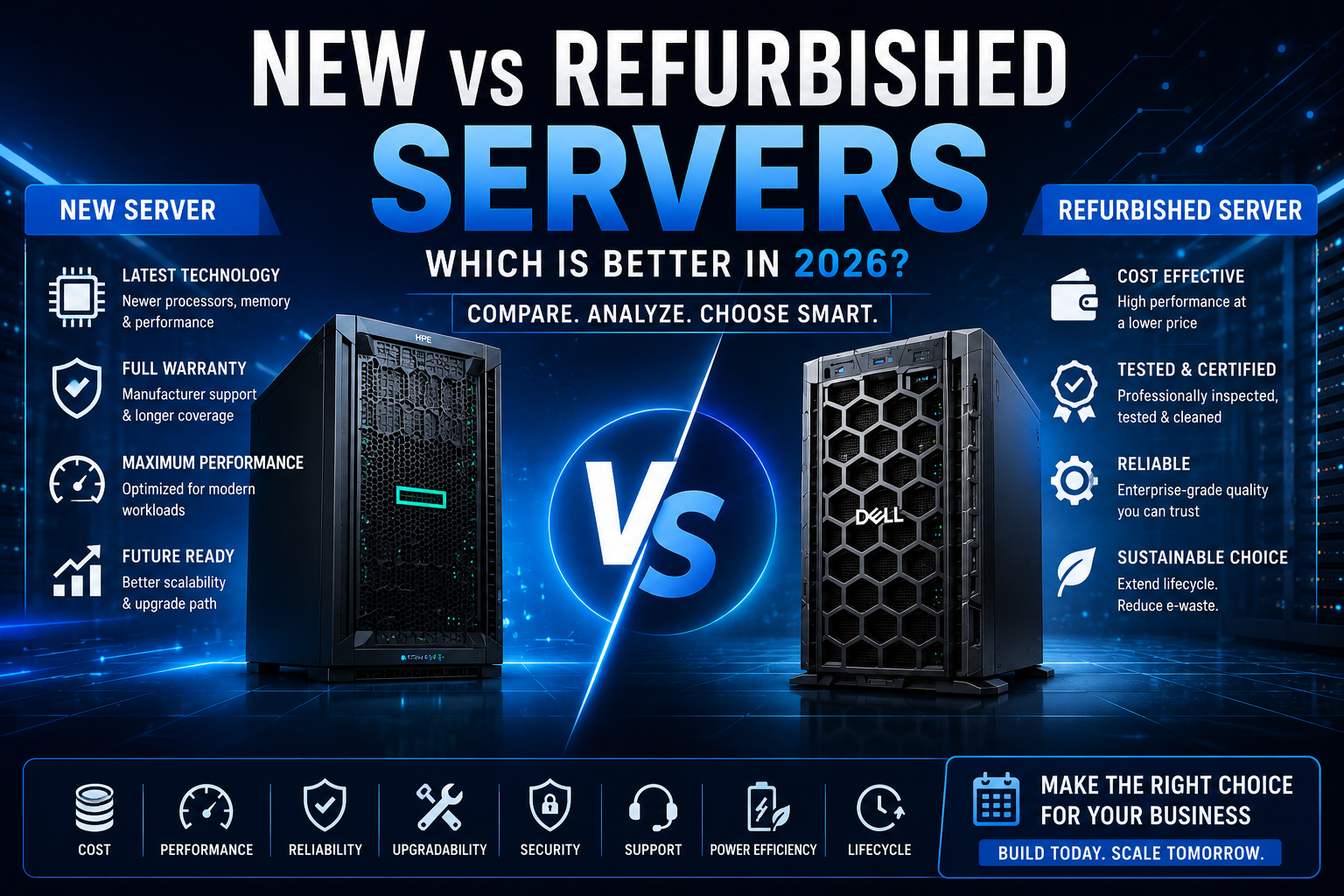
Should you buy a new or refurbished server in 2026? Compare performance, cost, reliability, warranty, scalability, security and lifecycle to make the right server-buying decision.
Buying a server is a significant investment for any business. Whether you need infrastructure for file sharing, virtualization, databases, backups, applications, websites or AI workloads, choosing the right hardware can have a direct impact on performance and long-term IT costs.
One of the biggest decisions businesses face is whether to purchase a New Server or a refurbished server.
A new server provides access to the latest hardware generations, current technologies and manufacturer support. A refurbished server, on the other hand, can provide enterprise-grade hardware at a considerably lower upfront cost.
But price isn't the only factor.
The right choice depends on your workload, required performance, budget, warranty expectations, expansion plans and how critical the server is to your business.
This guide explains the differences between new and refurbished servers and helps you decide which option makes more sense in 2026.
What Is a New Server?
A new server is hardware that has not previously been deployed by another customer and is supplied as a new product through the manufacturer or an authorized channel.
Examples include current-generation HPE ProLiant and Dell PowerEdge systems.
New servers generally provide access to the latest processors, memory technologies, storage interfaces, networking and platform features.
HPE's current server portfolio includes ProLiant Compute Gen12 systems aimed at workloads ranging from virtualization to AI, while Dell's PowerEdge portfolio covers tower, rack and modular infrastructure for different business requirements.
Advantages of buying new
A new server can offer:
- Current-generation processors
- Newer memory technology
- Modern storage interfaces
- Latest security features
- Manufacturer warranty
- Longer expected support lifecycle
- Greater compatibility with current technologies
- Better upgrade potential
- Lower uncertainty about hardware condition
For businesses deploying mission-critical applications, these advantages can justify the additional purchase price.
What Is a Refurbished Server?
A refurbished server is previously owned hardware that has been inspected, tested, repaired or reconfigured before being resold.
The important point is that refurbished does not simply mean used.
The quality of refurbished hardware depends heavily on the seller's inspection, testing and refurbishment process.
A professional refurbishment process can include:
- Hardware inspection
- Component testing
- Firmware updates
- BIOS testing
- RAID controller testing
- Storage testing
- Memory testing
- Cleaning
- Burn-in testing
- Replacement of faulty components
For example, established refurbished-server programs may perform diagnostics, firmware updates and burn-in testing before shipping hardware.
Therefore, when buying refurbished, the seller and warranty can be just as important as the server model itself.
New vs Refurbished Servers: The Biggest Difference
The biggest difference isn't necessarily performance.
A properly configured refurbished enterprise server can still deliver excellent performance.
The main differences are generally related to:
Age → Refurbished hardware is usually from an earlier generation.
Technology → New systems may support newer CPUs, DDR5, PCIe generations, NVMe technologies and accelerators.
Condition → New hardware starts with no previous operating history, while refurbished hardware has already been deployed.
Warranty → New systems generally come with manufacturer warranty options, while refurbished systems may have reseller or third-party warranties.
Price → Refurbished servers typically have a lower upfront purchase cost.
Are Refurbished Servers Reliable?
This is one of the most common questions buyers ask.
The answer is:
A professionally Refurbished Enterprise Server can be reliable, but the quality depends on the hardware's condition and refurbishment process.
Enterprise servers from manufacturers such as HPE and Dell are designed for continuous operation and can remain useful well beyond their initial deployment period.
However, individual components can age differently.
Storage drives, fans, power supplies and batteries may require particular attention.
That's why you should never purchase refurbished hardware based solely on a low price.
Before buying, ask:
- Has the server been fully tested?
- Were failed components replaced?
- Were drives tested?
- Was the RAID controller tested?
- Was the firmware updated?
- What warranty is included?
- Is technical support available?
- Can replacement components be sourced?
A reputable seller should be able to answer these questions.
Price: New vs Refurbished Servers
Price is often the strongest reason businesses consider refurbished hardware.
A previous-generation enterprise server can provide substantial processing, memory and storage capacity without the price of a current-generation system.
This can be particularly attractive when the workload doesn't require the newest technology.
For example, a business running:
- File sharing
- Backup
- Development
- Testing
- Internal applications
- Small virtualization environments
may not benefit enough from the newest processor generation to justify the additional hardware cost.
On the other hand, businesses running demanding AI, analytics or high-performance workloads may benefit significantly from newer hardware.
Performance: Is New Always Faster?
Usually, but not necessarily enough to matter.
A newer server generation can provide improvements in:
- CPU performance
- Memory bandwidth
- PCIe bandwidth
- Storage performance
- Network connectivity
- Power efficiency
- Accelerator support
But performance should always be measured against the workload.
If an application only uses a fraction of an older server's CPU and memory capacity, upgrading to the newest platform may not produce a meaningful business benefit.
This is why workload analysis should come before server selection.
New Servers Have an Advantage for AI
AI workloads are one area where newer servers can provide a major advantage.
Modern AI servers may require:
- High-end GPUs
- Large GPU memory
- PCIe Gen5
- High-speed networking
- Large system RAM
- High-capacity NVMe storage
- Advanced cooling
- High-wattage redundant PSUs
Older refurbished servers may not provide the required power delivery, cooling or PCIe topology for newer GPUs.
Therefore, if you're building an AI training or inference server, carefully verify GPU compatibility rather than assuming an older enterprise server can support a modern accelerator.
New Servers and Power Efficiency
Power consumption is another factor that shouldn't be ignored.
A server's purchase price is only part of its total cost.
You also need to consider:
- Electricity
- Cooling
- Rack space
- Maintenance
- Replacement components
- Software licensing
- Support
HPE's current server refresh calculations highlight potential power, cooling, maintenance and rack-space savings from consolidating older infrastructure onto newer platforms. These are vendor estimates and actual savings depend on workload and configuration.
For organizations running many servers continuously, improved efficiency can make newer hardware more attractive over its lifetime.
When Should You Buy a New Server?
A new server is usually the better choice when you need the latest technology or a longer infrastructure lifecycle.
Consider buying new when:
You need maximum performance
If your applications require the latest CPU, memory, storage or networking technology, new hardware is usually preferable.
You're building AI infrastructure
Modern GPUs and accelerator technologies can have demanding power, cooling and PCIe requirements.
The server is mission-critical
If downtime can directly affect revenue or business operations, manufacturer support and warranty options can be valuable.
You want a longer lifecycle
A new server generally gives you more years before the hardware becomes outdated.
You need current-generation technology
If you require features such as the latest PCIe generation, DDR5 memory, high-speed NVMe or newer accelerator support, new hardware may be the better investment.
When Should You Buy a Refurbished Server?
Refurbished servers can be an excellent choice when the workload doesn't require the newest hardware.
Consider refurbished when:
Budget is important
You may be able to obtain significantly more enterprise hardware for your budget.
Your workload is predictable
If your applications already run comfortably on previous-generation hardware, a refurbished server can provide excellent value.
You need additional infrastructure
Refurbished servers can be useful for:
- Backup
- Disaster recovery
- Development
- Testing
- Lab environments
- Secondary servers
- Small virtualization clusters
You need hardware quickly
Depending on the seller's inventory, refurbished models may be readily available.
You are expanding an existing environment
Matching an existing generation can sometimes be more practical than introducing a completely different platform.
Refurbished Server Buying Checklist
If you're considering refurbished hardware, don't stop at checking the model number.
1. Check the exact CPU
A server model can be sold with many processor configurations.
Verify the exact CPU model and core count.
2. Check RAM
Confirm:
- Total RAM
- Memory type
- Number of DIMMs
- Available expansion slots
- Supported maximum capacity
3. Check storage
Ask whether the drives are:
- New
- Used
- Refurbished
Also check drive health and remaining endurance for SSDs.
4. Check RAID
Confirm the exact RAID controller and whether the required RAID levels are supported.
5. Check power supplies
Verify whether the server has:
- Single PSU
- Dual PSU
- Redundant PSU configuration
6. Check network adapters
Don't assume the server includes the network connectivity you need.
7. Check iLO or iDRAC
For HPE servers, check the iLO configuration.
For Dell PowerEdge servers, check iDRAC.
Also verify which management features are available with the supplied license.
8. Check warranty
This is one of the most important factors.
A low-priced server with little or no warranty can become expensive if a component fails shortly after purchase.
Warranty and Support: New vs Refurbished
New hardware generally has a clearer manufacturer support path.
HPE, for example, offers support and service options for ProLiant servers, including technical-care and installation services.
Refurbished hardware can also come with warranties, but coverage varies considerably between sellers.
Before buying refurbished, confirm:
- Warranty duration
- Parts coverage
- Labor coverage
- Return period
- Replacement process
- Technical support
- Shipping responsibility
Don't compare a new server and refurbished server purely by purchase price.
Compare the total value of the package.
Security Considerations
Security is another reason some businesses prefer newer hardware.
Current server platforms can include newer hardware security technologies, firmware protections and updated management capabilities.
However, older hardware isn't automatically insecure.
A refurbished server can still be securely deployed when:
- Firmware is updated
- BIOS is configured correctly
- Operating system is patched
- Access controls are enforced
- Remote management is secured
- Unused services are disabled
- Backups are protected
The security of the deployment depends on both the hardware and how it is managed.
New vs Refurbished for Virtualization
Virtualization is one of the workloads where refurbished servers can provide particularly good value.
A previous-generation dual-socket server with plenty of RAM and CPU cores may still be capable of hosting multiple virtual machines.
For example, a business might use refurbished hardware for:
- Windows Server VMs
- Linux VMs
- Development environments
- Internal applications
- Monitoring
- Backup
However, pay attention to memory capacity, storage performance and CPU compatibility with your chosen virtualization platform.
If you're building a large virtualization cluster, newer hardware may offer better performance per watt and greater VM density.
New vs Refurbished for Small Businesses
Small businesses often have limited IT budgets.
That makes refurbished servers particularly attractive when the workloads are straightforward.
A small business could potentially use a refurbished HPE ProLiant or Dell PowerEdge server for:
- File sharing
- Accounting applications
- Local backup
- Database workloads
- Business applications
- Virtualization
But if the business is growing rapidly, buying newer hardware may provide a better upgrade path.
The important question is not:
"Which server is cheaper?"
Instead ask:
"Which server gives my business the best value over its expected lifecycle?"
New vs Refurbished Server for a Data Center
For enterprise data centers, the answer becomes more complicated.
Large organizations may use a mixture of new and refurbished infrastructure.
New servers can be deployed for production workloads requiring the latest performance and support.
Older servers can potentially be repurposed for:
- Development
- Testing
- Backup
- Disaster recovery
- Non-critical applications
This can extend the useful life of existing hardware while reserving new infrastructure for workloads where it provides the greatest return.
Total Cost of Ownership Matters
The purchase price isn't the complete cost of a server.
Consider:
Purchase price + electricity + cooling + maintenance + support + upgrades + downtime
A refurbished server may have a lower upfront cost but consume more electricity than a newer, more efficient platform.
A new server may cost more initially but potentially consolidate several older servers.
HPE's own server refresh calculator emphasizes that server modernization can affect not only hardware costs but also power, cooling, maintenance and rack-space requirements.
Therefore, compare servers using total cost of ownership, especially for environments with many systems.
New vs Refurbished Servers: Which Should You Choose?
Here's a simple way to think about it.
Choose a new server if:
- You need the latest technology
- You need maximum performance
- You're deploying AI/GPU workloads
- The server is mission-critical
- You want current manufacturer support
- You expect a long lifecycle
- Power efficiency is important
- You need the latest storage or networking
Choose a refurbished server if:
- Your budget is limited
- Your workload doesn't require the latest hardware
- You need additional infrastructure
- You're building a test or development environment
- You need backup or disaster-recovery hardware
- You want strong enterprise hardware at a lower purchase price
- You can accept an older platform
Final Verdict: New or Refurbished?
There is no universal winner.
New servers win when technology, lifecycle, efficiency, support and maximum performance are priorities.
Refurbished servers win when value, affordability and proven enterprise hardware are more important.
For many businesses, the smartest approach isn't choosing one exclusively.
You can use new servers for mission-critical and demanding workloads while using refurbished servers for backup, testing, development and secondary infrastructure.
The key is to match the hardware to the workload.
Before purchasing, compare the complete configuration—not just the model name or price.
Check the CPU, RAM, storage, RAID controller, networking, GPU support, power supplies, management technology, warranty and upgrade options.
The cheapest server isn't always the best value, and the newest server isn't always necessary.
In 2026, the best server purchase is the one that delivers the performance, reliability and lifecycle your business actually needs.
Frequently Asked Questions
Is a refurbished server worth buying in 2026?
Yes. A professionally tested refurbished enterprise server can still be a good investment for workloads that don't require the latest hardware. The seller's testing process, warranty and exact configuration should be checked carefully.
Are refurbished HPE and Dell servers reliable?
They can be. Enterprise servers are designed for demanding environments, but refurbished hardware has previously been deployed. Reliability depends on the condition of the individual components and the quality of the refurbishment process.
Is a new server better than a refurbished server?
Not always. New servers offer newer technology and longer support potential, while refurbished servers can provide substantially better upfront value for suitable workloads.
Are refurbished servers good for small businesses?
Yes. Refurbished servers can be suitable for file sharing, business applications, backups, development, testing and smaller virtualization environments.
Should I buy a new server for AI?
For modern AI workloads, new hardware is often preferable because current GPUs, high-speed networking, PCIe generations, power delivery and cooling requirements can exceed what older servers support.
How much cheaper are refurbished servers?
There isn't one fixed discount. Pricing varies by server generation, processor, RAM, storage, condition, availability and warranty. Compare complete configurations rather than comparing model names alone.
What should I check before buying a refurbished server?
Check the CPU, RAM, storage, drive health, RAID controller, network cards, power supplies, firmware, iLO or iDRAC, warranty and upgrade options.
Is RAID enough to protect data on a refurbished server?
No. RAID provides storage redundancy but isn't a replacement for backup. Businesses should maintain independent backups of important data.
How long can a refurbished server last?
There is no universal lifespan. It depends on the server generation, workload, component condition, maintenance and operating environment. A well-maintained enterprise server can remain useful for years after its original deployment.
Should I buy a refurbished server without a warranty?
For business-critical workloads, it is generally better to purchase from a seller that provides a clearly defined warranty and return policy.
Are older servers more expensive to run?
They can be. Older hardware may consume more power for the same amount of computing work than newer platforms. For larger deployments, electricity and cooling should be included in the total-cost calculation.
Can refurbished servers run virtualization?
Yes. Many refurbished multi-core HPE ProLiant and Dell PowerEdge systems can run virtualization workloads. The CPU, RAM, storage, network adapters and virtualization-platform compatibility should be checked before purchase.