HPE ProLiant vs Dell PowerEdge: Which Server Brand Wins in 2026?
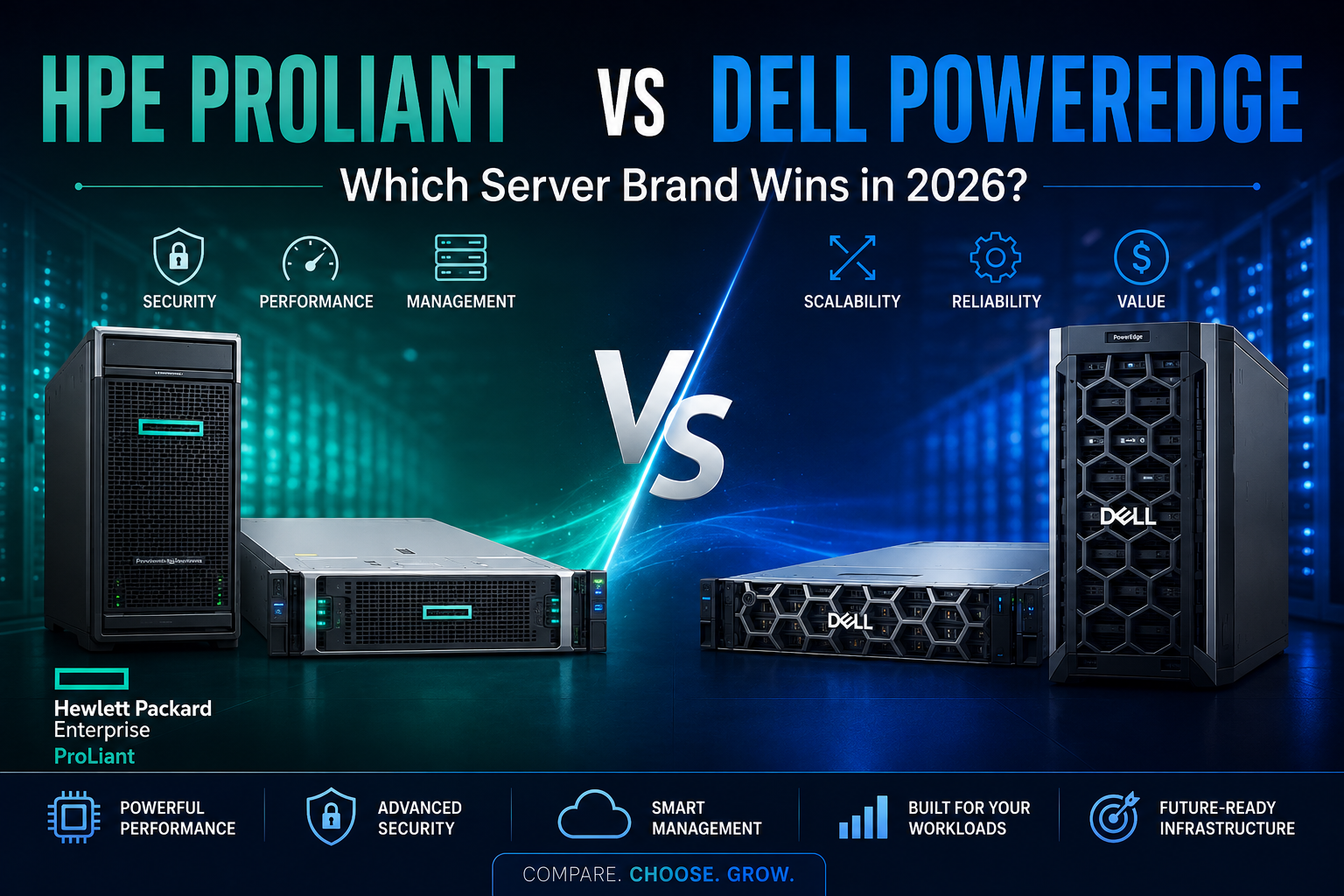
Compare HPE ProLiant and Dell PowerEdge servers in 2026. Explore performance, security, management, scalability, and workload fit before choosing a server.
Choosing an enterprise server is not simply a matter of picking the brand with the highest specifications. The right platform needs to match your applications, virtualization strategy, storage requirements, security expectations, budget, and plans for future growth.
Two names that consistently appear in enterprise server purchasing decisions are HPE Servers and Dell Servers. Both offer extensive rack and tower server portfolios, advanced remote management, enterprise security features, and configurations designed for workloads ranging from virtualization and databases to AI and analytics.
So, which server brand is better in 2026?
The practical answer is that neither brand wins for every workload. HPE can be particularly attractive for organizations prioritizing its security architecture and lifecycle management, while Dell PowerEdge is compelling for businesses looking for strong remote management, automation, and a broad ecosystem. The better choice depends on what your infrastructure actually needs.
HPE ProLiant vs Dell PowerEdge at a Glance
HPE ProLiant servers are designed around the HPE ProLiant Compute platform, with current Gen12 systems emphasizing security, AI-assisted management, performance efficiency, and hybrid IT environments. HPE's Gen12 platform includes HPE iLO 7 and HPE Compute Ops Management for server security and lifecycle operations.
Dell PowerEdge servers take a similar enterprise-focused approach, combining performance with iDRAC-based remote administration, OpenManage tools, security controls, and automation capabilities. Dell's current PowerEdge documentation highlights secure boot, firmware protection, supply-chain verification, and scalable management.
This means the comparison should go beyond processor specifications.
Performance: HPE ProLiant or Dell PowerEdge?
Server performance depends heavily on the processor, memory, storage, networking, accelerators, and workload configuration—not just the manufacturer.
Both HPE and Dell offer systems designed for demanding workloads such as:
- Virtualization
- Databases
- Enterprise applications
- Cloud infrastructure
- Data analytics
- AI and machine learning
- High-performance computing
For example, HPE's Gen12 portfolio is positioned for workloads including AI, analytics, edge computing, hybrid cloud, and VDI.
Dell PowerEdge likewise spans general-purpose enterprise computing through specialized and accelerated infrastructure.
The winner: It depends on configuration.
A properly configured Dell PowerEdge can outperform an HPE system, and the reverse can also be true. When comparing two servers, look at the actual CPU model, core count, memory bandwidth, RAM capacity, storage configuration, networking, and accelerator support.
Server Security: HPE Has a Strong Focus
Security has become one of the most important considerations when purchasing enterprise hardware.
HPE places significant emphasis on hardware-rooted security through its iLO Silicon Root of Trust. Its Gen12 systems introduce iLO 7 with a dedicated secure enclave and additional lifecycle security capabilities. HPE also highlights support for security standards including FIPS 140-3 Level 3 requirements and quantum-resistant security capabilities on its Gen12 platform.
Dell PowerEdge also has a comprehensive security architecture. Dell highlights silicon-based root of trust, secure boot, signed firmware updates, Secured Component Verification, system lockdown, and hardware intrusion detection.
The winner: Both are strong.
For organizations where hardware-level security and secure lifecycle management are major purchasing criteria, HPE ProLiant deserves particularly close consideration. Dell PowerEdge is also highly competitive for businesses building a cyber-resilient infrastructure.
Remote Server Management
Nobody wants to physically visit a server room every time a system requires monitoring or maintenance. Remote management is therefore an important part of modern server infrastructure.
HPE uses Integrated Lights-Out (iLO) for remote administration, monitoring, firmware management, and server lifecycle operations. Current HPE Gen12 systems use iLO 7.
Dell uses iDRAC, which provides local and remote server administration, telemetry, monitoring, automation, and API-based management. Dell's current iDRAC10 platform is designed to provide real-time visibility and scalable automation.
The winner: A close comparison.
IT teams already familiar with either platform may naturally prefer the management ecosystem they know. For larger environments, integration with existing monitoring and automation tools can be more important than the brand itself.
Scalability and Expansion
A server should not only satisfy today's requirements. It should provide enough expansion capability for tomorrow.
Before purchasing, examine:
- Maximum supported RAM
- Number of DIMM slots
- Drive bays
- NVMe support
- PCIe expansion
- Network adapters
- GPU support
- Power supply options
- Storage controller options
HPE and Dell both offer highly configurable enterprise platforms, but individual models can differ considerably.
For example, a server intended primarily for virtualization may require substantial memory and fast storage, while an AI server may need multiple GPUs and high-bandwidth networking.
The winner: Model-dependent.
Don't choose between HPE and Dell based solely on the brand. Compare the specific server configurations that match your workload.
HPE ProLiant vs Dell PowerEdge for Virtualization
Virtualization remains one of the most common reasons businesses purchase enterprise servers.
A virtualization host needs enough CPU cores, memory, storage performance, and network bandwidth to support multiple virtual machines without creating bottlenecks.
Both HPE ProLiant and Dell PowerEdge platforms can be configured for virtualization environments. The better option depends on the number of virtual machines, application requirements, memory density, storage architecture, and hypervisor strategy.
For a virtualization deployment, RAM capacity and storage performance can matter just as much as CPU performance.
Which Is Better for AI Workloads?
AI infrastructure has changed server purchasing decisions considerably.
Modern AI workloads can require powerful CPUs, GPUs or other accelerators, high-speed networking, substantial memory, and specialized cooling.
HPE's current portfolio includes systems designed for AI and accelerated computing, including the ProLiant Compute DL384 Gen12, which supports NVIDIA GH200 NVL2 architecture for generative AI fine-tuning and inference workloads.
Dell also offers PowerEdge platforms designed for accelerated computing and AI infrastructure.
The winner: Choose by accelerator architecture and workload requirements.
For AI deployments, comparing the brand alone is not enough. The GPU model, number of accelerators, memory architecture, networking, cooling, and power requirements should drive the decision.
HPE ProLiant vs Dell PowerEdge for Small Businesses
Small and medium-sized businesses usually have different priorities from large data centers.
A smaller organization may value:
- Lower acquisition cost
- Simple installation
- Easy remote management
- Reliable warranty support
- Low power consumption
- Straightforward expansion
A tower server may be more appropriate than a rack server if the organization doesn't have a dedicated data center.
Both HPE ProLiant and Dell PowerEdge have options suitable for SMB environments, so the final decision should be based on the required configuration and available support.
New vs Refurbished HPE and Dell Servers
Budget is another important factor when choosing enterprise hardware.
A new server provides access to the latest platform technologies, newer processors, current-generation storage, and manufacturer warranty options.
A certified refurbished server can offer significant savings and may be suitable for applications such as:
- Backup
- Development
- Testing
- File storage
- Virtualization
- Secondary infrastructure
However, refurbished equipment should be purchased from a reputable supplier that tests the hardware and provides appropriate warranty coverage.
The best choice isn't necessarily the newest server. It is the server that provides the right performance and reliability for the workload at an appropriate total cost.
So, Which Server Brand Wins in 2026?
There isn't a universal winner between HPE ProLiant and Dell PowerEdge.
Choose HPE ProLiant when:
- Hardware-rooted security is a major priority.
- You want the HPE iLO management ecosystem.
- You are building a modern hybrid IT environment.
- You need specialized enterprise or AI infrastructure.
- Lifecycle security is an important purchasing factor.
Choose Dell PowerEdge when:
- You prefer the iDRAC and OpenManage ecosystem.
- Remote monitoring and automation are major priorities.
- You want extensive configuration flexibility.
- You already operate Dell infrastructure.
- Integration with existing Dell management tools is important.
What Should You Compare Before Buying?
Instead of asking only "HPE or Dell?", compare the exact configurations.
Check the:
Processor:
Look at generation, core count, frequency, cache, and workload requirements.
Memory:
Consider current RAM requirements and future expansion capacity.
Storage:
Compare NVMe, SAS, and SATA options along with drive-bay capacity and RAID support.
Networking:
Check Ethernet speeds, adapter options, and expansion capabilities.
Management:
Compare HPE iLO and Dell iDRAC based on the features your IT team actually uses.
Security:
Review hardware root of trust, secure boot, firmware protection, encryption, and supply-chain security.
Warranty and Support:
Evaluate warranty duration, response options, and local technical support.
Total Cost of Ownership:
Don't look only at the purchase price. Consider power, maintenance, upgrades, licensing, and expected server lifespan.
Final Verdict
HPE ProLiant vs Dell PowerEdge is not a simple winner-takes-all comparison.
Both brands provide mature enterprise server platforms with strong performance, security, management, and scalability. HPE ProLiant stands out for its security-first approach and iLO ecosystem, while Dell PowerEdge offers powerful remote management through iDRAC and a broad infrastructure management platform.
For businesses buying servers in 2026, the smartest approach is to start with the workload rather than the logo. Define your performance requirements, determine how much memory and storage you need, consider future expansion, and then compare equivalent HPE and Dell configurations.
The best server brand is ultimately the one that delivers the right combination of performance, security, manageability, reliability, support, and total cost for your business.
Frequently Asked Questions
Is HPE better than Dell for servers?
Neither is universally better. HPE ProLiant and Dell PowerEdge are both strong enterprise platforms. The right choice depends on workload, configuration, management preferences, support, and budget.
Which is better for virtualization, HPE or Dell?
Both brands offer servers suitable for virtualization. Focus on CPU capacity, RAM, storage performance, networking, and hypervisor compatibility rather than choosing based solely on brand.
Are HPE ProLiant servers secure?
Yes. HPE ProLiant Compute Gen12 platforms include hardware-rooted security features through HPE iLO 7 and Silicon Root of Trust.
Are Dell PowerEdge servers secure?
Yes. Dell PowerEdge incorporates features including secure boot, silicon-based root of trust, signed firmware, Secured Component Verification, and iDRAC security capabilities.
Should I buy a new or refurbished HPE or Dell server?
New servers are ideal when you need the latest technology and maximum lifecycle support. Certified refurbished servers can be attractive when budget is important and the workload does not require the newest platform.
Which server brand is better for business?
Both HPE and Dell offer excellent business server solutions. The best option should be selected by comparing the specific models and configurations against your business workload, budget, scalability, and support requirements.