How to Buy a Server Online: Complete Enterprise Buying Guide (2026)
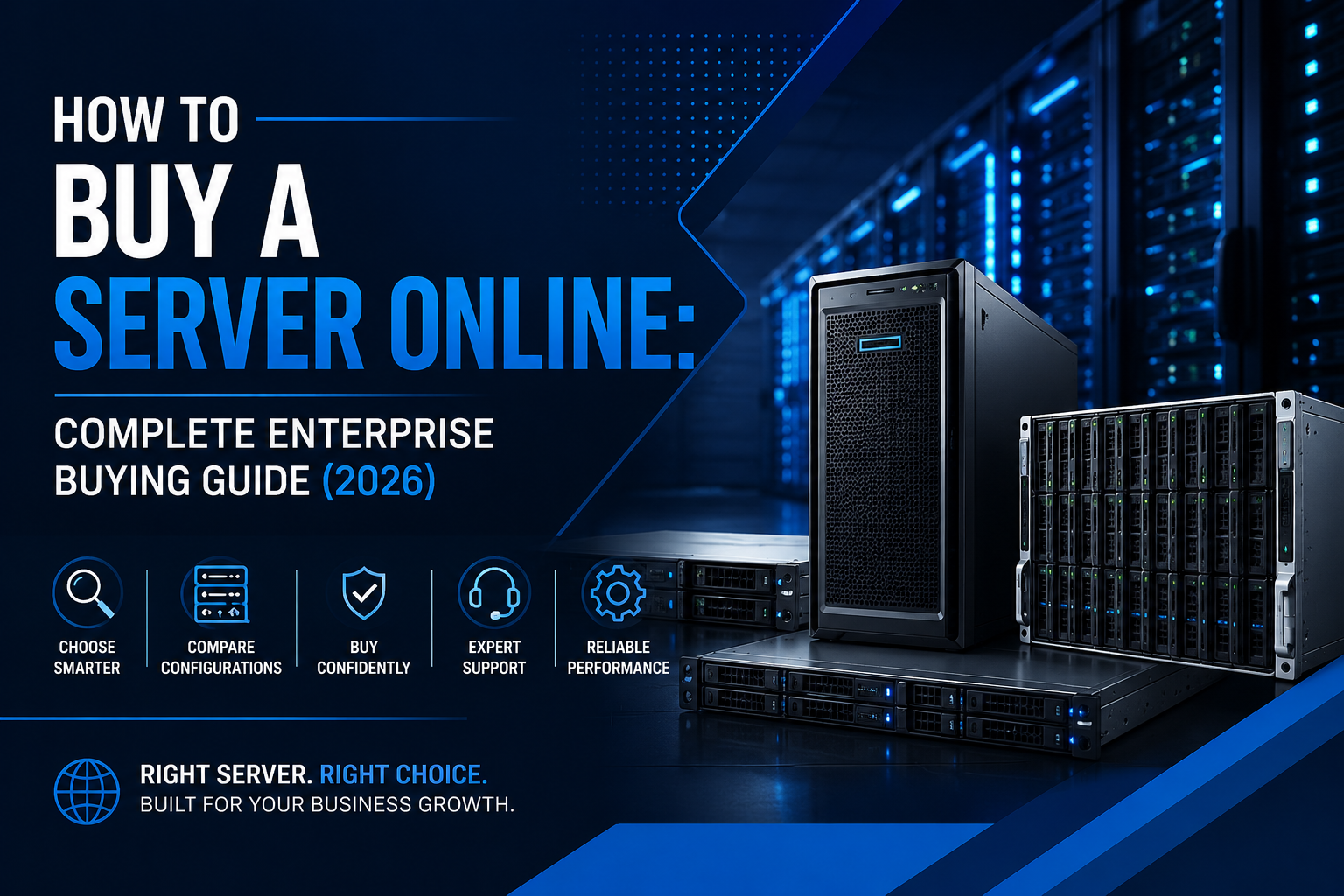
Buying a server online doesn't have to be complicated. This enterprise buying guide explains server types, hardware specifications, trusted brands, and expert tips to help you choose the right server for your business.
How to Buy a Server Online: Complete Enterprise Buying Guide (2026)
Buying a server online has become easier than ever, but choosing the right server for your business is far more important than simply finding the lowest price. Whether you're upgrading an existing IT environment, setting up a new office, hosting business applications, or expanding your data center, selecting the right server directly affects your company's performance, security, scalability, and long-term operating costs.
Modern enterprise servers are available in hundreds of configurations, making it difficult to know which one is best suited for your workload. Factors such as processor performance, memory capacity, storage technology, networking, virtualization support, and future upgrade options all play an important role in determining the value of your investment.
This complete buying guide will help you understand everything you need to consider before purchasing a server online so you can make an informed decision and invest in hardware that supports your business for years to come.
Why Buying the Right Server Matters
A server is the backbone of your business IT infrastructure. It stores business-critical data, hosts applications, manages user access, supports virtualization, and keeps essential operations running around the clock.
Choosing the wrong server can result in poor performance, unnecessary upgrade costs, excessive power consumption, and limited expansion opportunities. On the other hand, investing in the right server improves productivity, enhances security, reduces downtime, and prepares your business for future growth.
Whether you're a startup, small business, enterprise, educational institution, or cloud service provider, selecting the right hardware ensures better business continuity and long-term return on investment.
Step 1: Understand Your Business Requirements
Before comparing server models, define how the server will be used. Every workload has different hardware requirements, and understanding your needs helps narrow down the available options.
Consider questions such as:
- Will the server host business applications?
- Do you need virtualization using VMware or Hyper-V?
- Is it intended for databases or ERP software?
- Will multiple employees access it simultaneously?
- Do you require GPU acceleration for AI or rendering?
- How much storage will your business need over the next three to five years?
Having clear answers will help you choose the right server configuration instead of paying for unnecessary resources.
Step 2: Choose the Right Server Type
Enterprise servers are available in different form factors, each designed for specific business environments.
Rack Servers
Rack servers are the preferred choice for data centers and growing businesses. They are installed inside server racks, allowing multiple servers to operate within a compact space. Rack servers offer excellent scalability, easier cable management, and efficient cooling, making them ideal for virtualization, cloud infrastructure, and enterprise applications.
Tower Servers
Tower servers resemble desktop computers but are designed for continuous enterprise operation. They are perfect for small businesses, branch offices, and organizations without dedicated server rooms. Tower servers are quieter, easier to install, and generally have a lower initial investment.
Blade Servers
Blade servers are designed for large enterprises that require maximum computing density. Multiple server blades share power, networking, and cooling resources within a single enclosure, making them ideal for high-performance computing, AI, and enterprise cloud environments.
Step 3: Select the Right Hardware Specifications
Server performance depends largely on its hardware components. Rather than focusing only on processor speed, evaluate the complete configuration.
Processor (CPU)
Enterprise servers commonly use Intel Xeon or AMD EPYC processors. The right processor depends on the number of users, applications, and workload intensity.
Businesses running virtualization or databases generally benefit from higher core counts, while smaller offices may require only entry-level enterprise processors.
Memory (RAM)
Memory plays a significant role in application performance.
- Small business file servers: 32GB–64GB
- Virtualization servers: 128GB or more
- Database servers: High-capacity ECC memory
- AI workloads: Large memory configurations
Selecting a server that supports future memory upgrades helps extend its lifespan.
Storage
Modern enterprise servers support multiple storage technologies.
- SSDs provide fast boot times and application performance.
- NVMe drives deliver maximum speed for demanding workloads.
- SAS drives offer enterprise reliability.
- Large-capacity HDDs remain suitable for backups and archival storage.
Many organizations combine SSDs for operating systems with HDDs for long-term storage.
Networking
Choose servers with high-speed Ethernet ports and upgrade options if your business handles large amounts of data or virtualization traffic.
Step 4: Choose a Trusted Server Brand
Selecting a reliable manufacturer ensures long-term stability, firmware updates, and hardware support.
Some of the most trusted enterprise server brands include:
- HPE ProLiant Servers
- Dell PowerEdge Servers
- Lenovo ThinkSystem Servers
- ASUS Enterprise Servers
- Supermicro Servers
Each brand offers solutions ranging from entry-level business servers to AI-ready enterprise platforms.
Step 5: Compare New and Refurbished Servers
Many businesses assume new servers are always the best option, but certified refurbished enterprise servers can deliver exceptional value.
New servers provide the latest hardware, maximum warranty coverage, and future-ready technologies.
Certified refurbished servers offer enterprise-grade performance at a significantly lower cost while remaining ideal for virtualization, backup systems, testing environments, and budget-conscious organizations.
When purchasing refurbished equipment, always ensure the hardware is professionally tested, covered by warranty, and supplied by a reputable enterprise IT provider.
Step 6: Buy from a Trusted Online Server Supplier
The supplier you choose is just as important as the hardware itself.
A reliable enterprise server provider should offer:
- Genuine enterprise hardware
- Configuration assistance
- Competitive pricing
- Warranty coverage
- Technical support
- Secure shipping
- After-sales service
- Upgrade recommendations
Working with an experienced server specialist ensures you receive a configuration tailored to your business rather than a generic off-the-shelf system.
Common Mistakes to Avoid
Many businesses make avoidable purchasing decisions when buying servers online.
Avoid these common mistakes:
- Choosing a server based only on price.
- Buying more processing power than required.
- Ignoring future scalability.
- Underestimating storage requirements.
- Purchasing from unverified sellers.
- Forgetting warranty and support options.
- Selecting incompatible hardware components.
Planning for future expansion often saves significantly more money than replacing the server within a few years.
Final Thoughts
Buying a server online is more than selecting a product—it is an investment in your organization's future. The right server should match your workload, budget, business goals, and growth strategy while providing reliable performance for years to come.
Whether you need a compact tower server for a growing office, a scalable rack server for virtualization, or a high-performance enterprise platform for AI and data-intensive applications, evaluating your requirements before making a purchase will help you choose with confidence.
By focusing on trusted brands, scalable hardware, reliable suppliers, and long-term business needs, you can build an IT infrastructure that delivers outstanding performance, security, and value.
If you're looking to Buy a Server online, partnering with an experienced enterprise hardware provider ensures you receive expert guidance, genuine products, and the right configuration for your specific business requirements.